検索
何を探していますか?
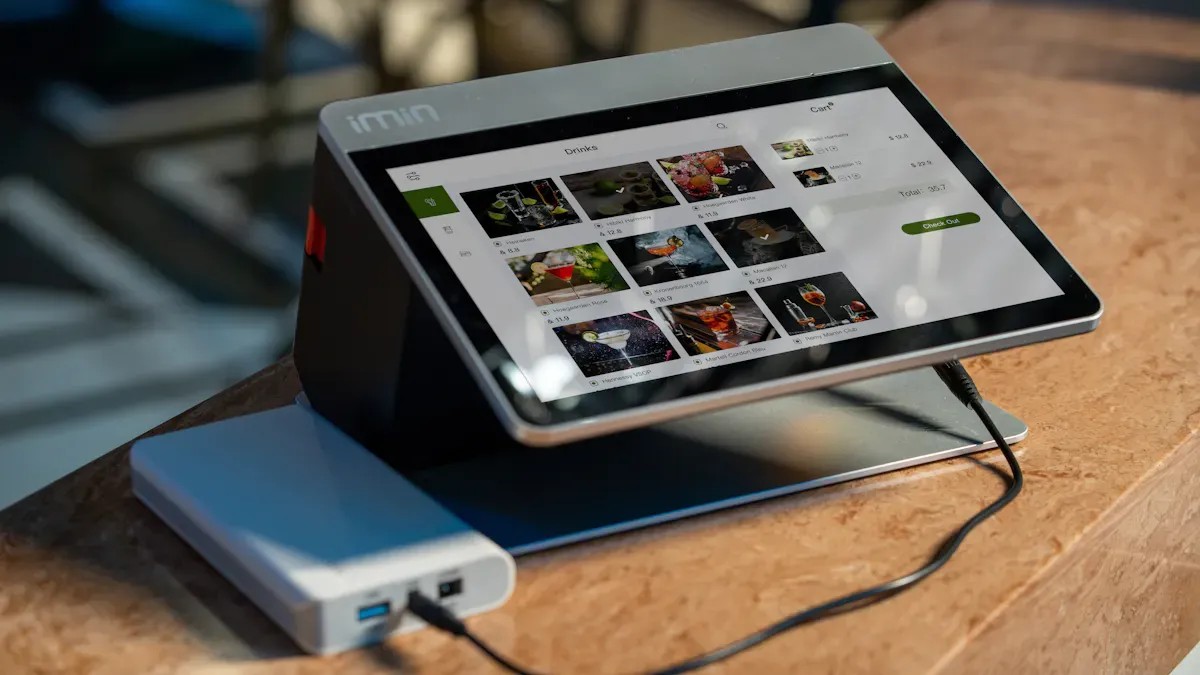
適切なディスプレイを選択することは、ユーザーエクスペリエンスを左右し、プロジェクトの成果を決定づけます。静電容量式タッチ技術は、高い感度、マルチタッチ対応、そして優れた鮮明度を実現します。デザイナーは、業界を問わず、直感的な操作性と耐久性を兼ね備えたこのソリューションを信頼しています。現代のアプリケーションは、応答性と堅牢なパフォーマンスを両立させた高度なディスプレイを必要としています。
静電容量式タッチディスプレイ 優れた感度とマルチタッチ対応を備えているため、インタラクティブなアプリケーションに最適です。
環境への曝露やユーザーとのインタラクションといった要素を考慮し、プロジェクトの要件を明確に定義して、適切なディスプレイを選定してください。
プロジェクトの成功には、長期的なサポートと安定したパフォーマンスを確保するために、信頼できるサプライヤーを選ぶことが不可欠です。
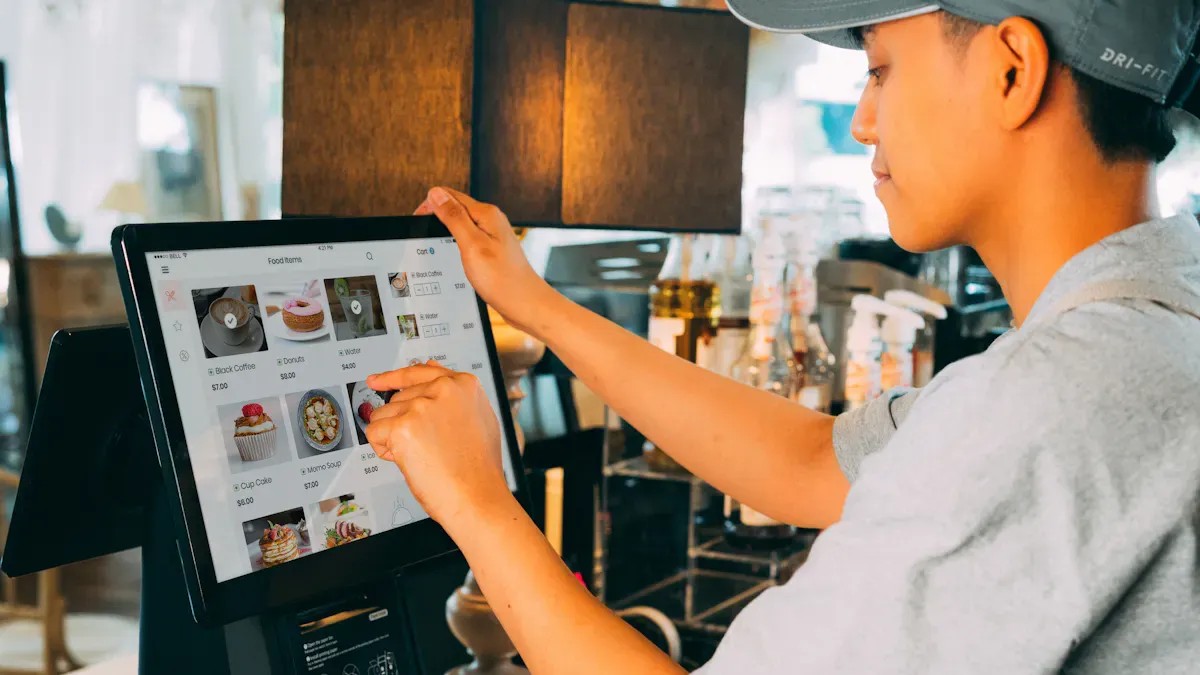
静電容量式タッチ技術は、指が画面に近づくと静電場の変化を検出します。このシステムは人間の導電性を利用しており、圧力をかけずにタッチを検出できます。この原理により、ピンチズームや回転などのマルチタッチジェスチャーが可能になり、デバイスでのユーザーインタラクションが向上します。 産業用静電容量式タッチ液晶モニター静電容量式タッチスクリーンは、自己静電容量方式または相互静電容量方式のいずれかを使用します。自己静電容量方式は個々の電極における変化を測定するのに対し、相互静電容量方式は交差する導電線間の変化を検出します。これらの方式は複雑なジェスチャー認識をサポートし、高い応答性を実現します。高輝度静電容量式タッチスクリーンモジュールを含む最新のディスプレイは、静電容量式タッチと鮮やかなLCDまたはOLEDパネルを組み合わせることで、鮮明な映像と効率的なナビゲーションを実現しています。
マルチタッチ機能を備えた静電容量式タッチディスプレイは、直感的なジェスチャーとシームレスな操作性を必要とするアプリケーションに最適です。
特徴 | 静電容量式タッチスクリーン | 抵抗膜式タッチスクリーン |
|---|---|---|
応答時間 | 10~20ミリ秒 | 20~50ミリ秒 |
光学性能 | 光透過率90%以上、明るくクリア | 光透過率75~85%、やや暗め |
消費電力 | より高く、常にオン | タッチイベント時のみ、下方 |
耐久性 | 傷や薬品に対する耐性が向上した | 脆弱なプラスチック表面 |
環境抵抗 | 湿気や埃に非常に強い | 濡れた状態や汚れた状態でも動作します |
静電容量式タッチスクリーン 傷や化学物質への曝露に強い頑丈なガラス表面が特徴です。湿気や埃から保護されているため、防水静電容量式タッチ液晶モジュールなどの過酷な環境にも適しています。抵抗膜式スクリーンは、濡れたり汚れたりした状態でも確実に動作しますが、鮮明度が低く、応答速度も遅くなります。静電容量式技術は、優れた性能と直感的なジェスチャーサポートにより、家電製品市場で主流となっています。
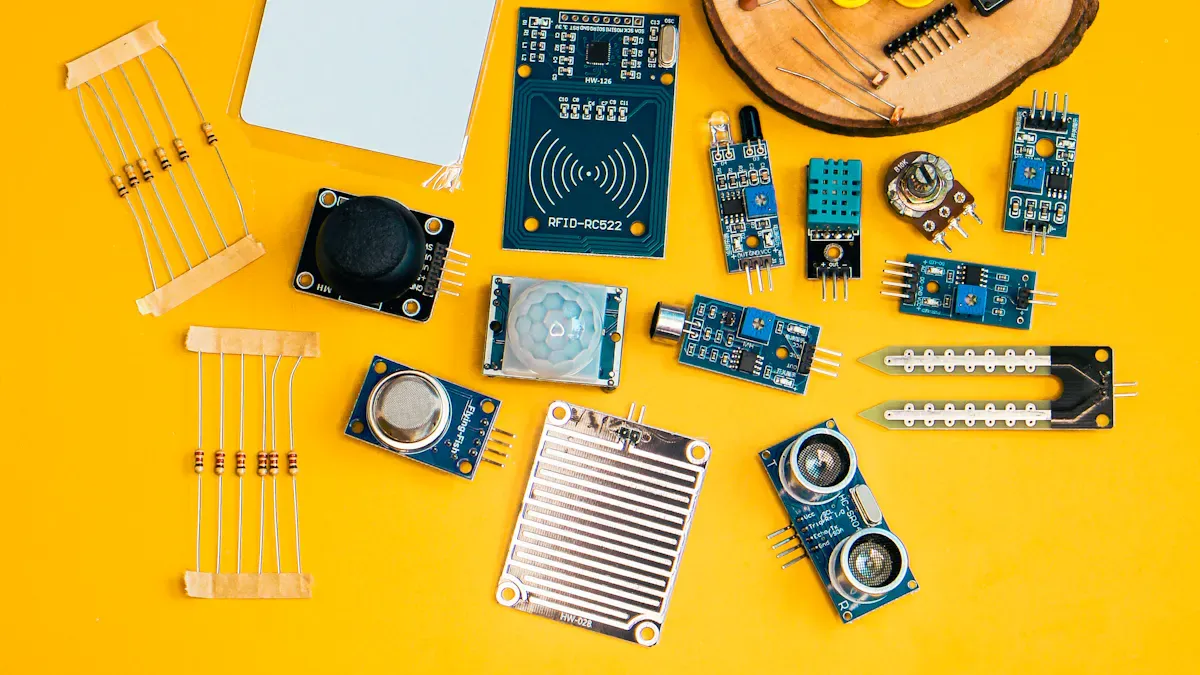
すべてのプロジェクトは、その固有のニーズを明確に理解することから始まります。エンジニアとデザイナーは、想定される用途、ユーザー環境、および想定される操作性を考慮する必要があります。例えば、産業用静電容量式タッチ液晶モニターは、過酷な現場環境下でも堅牢な性能が求められますが、防水型静電容量式タッチ液晶モジュールは、湿気や埃に耐える必要があります。
要件 | 説明 |
|---|---|
環境曝露 | 水質、温度、電気ノイズを評価する。接地とシールドは不可欠である。 |
手袋着用および湿潤作業 | 手袋を着用した状態や濡れた状態での使用には、高感度コントローラーとファームウェアのサポートが必要です。 |
EMI抵抗 | 設計プロセスの早い段階で、接地とシールドの妥当性を検証してください。 |
コントローラーのチューニングとファームウェア | 実際の使用環境下でテストを行い、信頼性の高い性能を検証してください。 |
カバーガラスの厚さ | 用途と環境に基づいて選択してください。 |
長期供給可能 | 継続的なサポートとメンテナンスを確実に実施してください。 |
ヒント:ディスプレイの耐久性と感度は、プロジェクトの実際の使用環境に合わせて選ぶようにしてください。
適切な静電容量式タッチディスプレイを選ぶには、いくつかの技術的特徴を比較検討する必要があります。ディスプレイサイズ、解像度、タッチポイント、インターフェースオプションはすべて、ユーザーエクスペリエンスとシステム統合に影響を与えます。教室や会議室での使用には、4K解像度の75インチディスプレイが、大勢の聴衆に鮮明な映像を提供します。産業環境や医療環境では、マルチタッチ機能と手袋との互換性が不可欠です。
特徴 | 説明 |
|---|---|
タッチレスポンス | 高速かつ正確なタッチ検出により、ユーザー操作性が向上します。 |
耐久性 | 強化ガラスとコーティングにより、傷や衝撃から保護します。 |
エネルギー効率 | スマートなバックライトと低消費電力により、デバイスの寿命が延びます。 |
Shengfeng LCDは、鮮やかな色彩を実現するTFT液晶、広視野角を実現するIPSモジュール、高速データ転送を実現するDSIモジュールなど、幅広いオプションを提供しています。高輝度静電容量式タッチスクリーンモデルは直射日光下でも視認性を確保し、カスタムカバーガラスオプションは過酷な環境下での保護性能を高めます。
マルチタッチ対応により、高度なジェスチャー操作が可能になります。
優れた光学的な透明度により、視認性が向上します。
清掃しやすい表面は、医療機関や小売店などの衛生環境を維持するのに役立ちます。
静電容量式タッチディスプレイの統合を成功させるには、ハードウェアとソフトウェアの互換性が不可欠です。エンジニアは、選択した画面サイズと解像度に合わせて電極パターンを最適化する必要があります。ソフトウェアドライバは、タッチコントローラをサポートし、ホストシステムと効果的に通信できなければなりません。
製品例 | 表示タイプ | 通信インターフェース | タッチインターフェース |
|---|---|---|---|
RP2350 2.1インチ静電容量式タッチパネル円形ディスプレイ | 480×480 IPS | SPI + RGB | I2C |
ESP32-S3ワイドタッチディスプレイ開発ボード | 640×172 LCD | QSPI | I²C |
NXP Touch Libraryを使用する開発ボードなど、多くの開発ボードは最大5つの相互容量式タッチセンサーをサポートしています。この柔軟性により、さまざまな組み込みシステムへの統合が可能になります。電磁干渉(EMI)の管理は、特にモーターや電源がノイズを発生させる産業環境では非常に重要です。接地およびシールド戦略を早期に検証することで、パフォーマンスの問題を未然に防ぐことができます。
注:ホストシステムが他の機能と同時にタッチ入力を遅延なく処理できることを必ず確認してください。
価格は、ディスプレイサイズ、解像度、タッチ精度、および高度な機能によって異なります。高輝度静電容量式タッチスクリーンモデルや産業グレードのパネルは、耐久性と性能が向上しているため、価格が高くなります。マルチタッチや高度なジェスチャー認識機能、パームリジェクション機能、高輝度機能なども、全体のコストを押し上げる要因となります。
コスト要因 | 価格への影響 |
|---|---|
解決要件 | 4K解像度やカスタム解像度はコスト増につながります。 |
サイズと製造歩留まり | 大型ディスプレイは歩留まりが低いため、コストが高くなります。 |
タッチセンシング精度 | 精度を高めると、基本コストが20~40%増加します。 |
マルチタッチ機能 | 高度なシステムは、コストを40~60%以上増加させる可能性がある。 |
パネル寿命評価 | 5万時間以上の定格寿命を持つ産業用パネルは、より高値で取引される。 |
サプライヤーの信頼性は、長期的なプロジェクトの成功において極めて重要な役割を果たします。厳格な信頼性テストに合格したディスプレイは、現場での故障やメンテナンスコストを削減します。Shengfeng LCDのような有資格サプライヤーとの長期的なパートナーシップは、より良い価格設定、継続的なサポート、そしてカスタムソリューション、業界標準への準拠、ライフサイクル管理といった付加価値サービスへのアクセスを保証します。
強力な技術サポートと実績のある信頼性を備えたサプライヤーを選ぶことで、投資を保護し、安定したパフォーマンスを確保できます。
メーカーはこれらのモニターを、頑丈なガラス、高度なシーリング、およびEMIシールドで設計しています。これらの機能により、工場、屋外キオスク、および要求の厳しい現場用途において、信頼性の高い動作が保証されます。
防水型静電容量式タッチ液晶モジュールは、密閉構造と耐水性コーティングを採用しています。この設計により、表面に水や湿気が付着していても、正確なタッチ操作が可能です。
高輝度静電容量式タッチスクリーンは、日光下でも優れた視認性を発揮します。鮮明な画像と反応の良いタッチ操作を維持するため、屋外キオスクや公共ディスプレイに最適です。
ぜひ読んで、最新情報を入手し、購読してください。ご意見をお聞かせください。


著作権
© 2017 Guangdong Shengfeng Technology Co., Ltd. 全著作権所有
.サイトマップ
| ブログ
| Xml | プライバシーポリシー  サポートされているネットワーク
 言語
言語


 お電話ください
:
お電話ください
: